
Reminders on Telegram
For the full best experience — especially water nudges that reach you when the website isn't open — we love Abraham in Telegram. You don't need to know the app already. About two minutes.
New to Telegram? You're not alone.
Plenty of Australians haven't installed it — WhatsApp and iMessage are what most people use. Telegram is just another free messaging app. We use it because it's reliable for bots and reminders: Abraham can nudge you, you can reply like a text, and you can open the whole Do Today app inside the chat (already signed in).
Set up in three pictures
 1
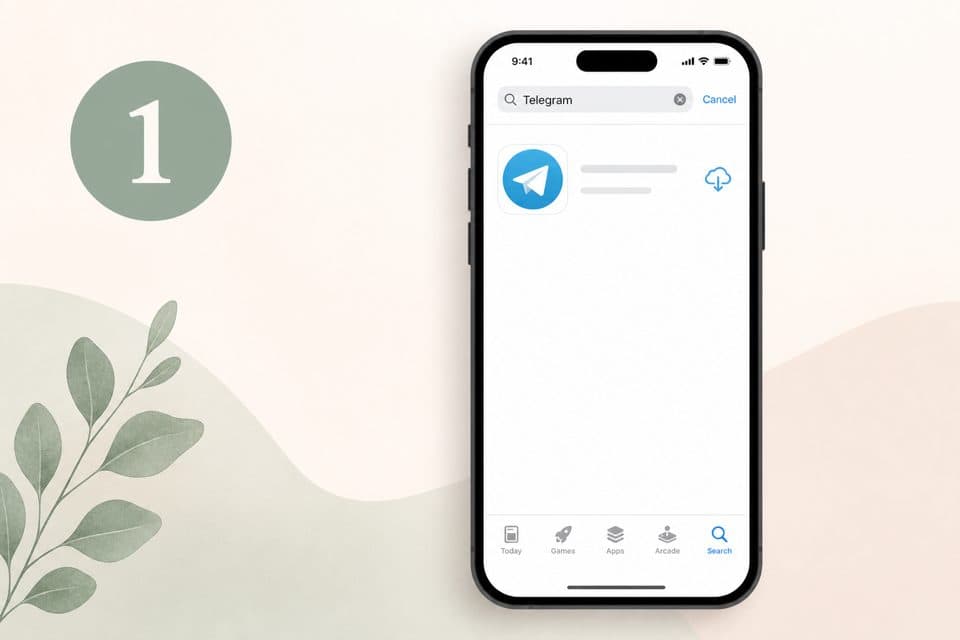
1Install Telegram (free)
App Store or Google Play — search Telegram, install the blue paper-plane app, sign up with your mobile number.
 2
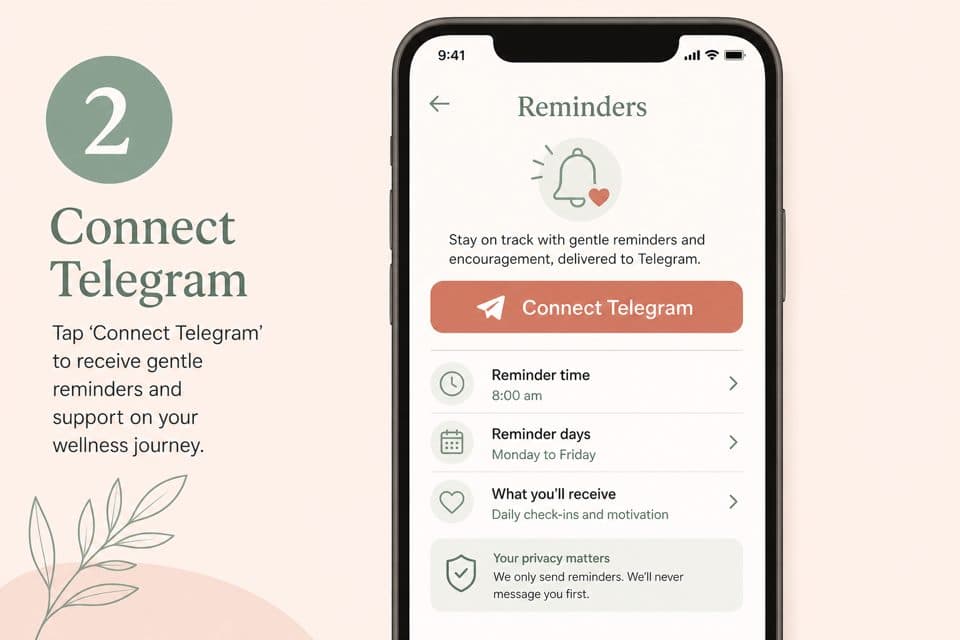
2Connect in Do Today
Sign in at dotoday.com.au, tap your profile picture (top right), then Connect Telegram under Reminders. Tap Start in the chat that opens.
 3
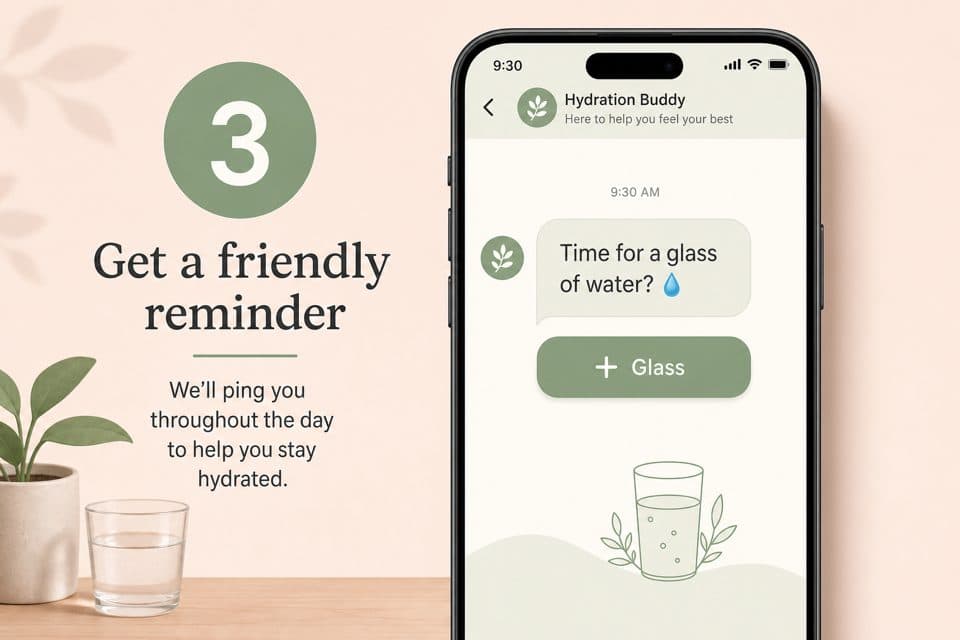
3You're done — try a test nudge
Tap Send test nudge (Profile → Reminders) and a message lands on your phone like a text. That's it — water reminders arrive the same way, with a one-tap glass button.
After you connect, you'll see "Connected to Do Today!" — set your water cadence in profile → Reminders, or just tell Abraham: "remind me to drink every couple of hours, funny tone".
Using Telegram on a Mac and not seeing nudges?
Turn Focus off (or allow Telegram through it) and set Telegram to Banners in System Settings → Notifications — otherwise alerts can slip silently into Notification Centre (the clock, top-right). On your phone this isn't a thing — nudges just arrive.
Connected to Claude or ChatGPT instead? Say "connect my Telegram" — it can hand you the same link over the Do Today connection.
What you can do in Telegram
- • Get your water reminders and daily nudges, in a tone you choose (funny, professional, caring — your pick, and lines don't repeat until the pool cycles).
- • Message Abraham — same guided, safety-checked companion as the app (paid plan).
- • Open Do Today inside Telegram — menu button (bottom-left) → already signed in.
- • Turn it off any time in profile → Reminders.
Is it safe? (plain English)
- • Your link is single-use and tied to your account only. Nobody else can use it to connect to your Do Today.
- • Abraham can only message the one chat you connect. Do Today cannot read your other Telegram chats, contacts, or groups.
- • Chatting with Abraham needs your paid account. Same safety checks (crisis support, never diagnosing) as the app.
- • You're in control. Turn Telegram off in profile → Reminders, or block the bot — reminders stop immediately.
- • One honest note: messages to a bot aren't end-to-end encrypted like a private chat — treat a reminder like a normal phone notification. Your detailed health information lives in Do Today, not in Telegram.
FAQ
Do I have to pay for Telegram?
I already use WhatsApp — why Telegram?
Do I need to know how to use Telegram?
Will it spam me?
Can I change the style of the reminders?
How do I stop?
The link says it expired.
I get the reminder in Telegram but no popup banner on my Mac
Often the nudge did arrive — it's sitting quietly in Notification Centre (click the clock / date at the top-right of the Mac menu bar). That tray collects alerts when a Focus mode is on, or when Telegram's alert style is set to show in Notification Centre only.
Fix the popup:
- Turn off Focus (Control Centre → Focus, or menu bar Focus icon) — or allow Telegram under that Focus's Allowed Apps
- System Settings → Notifications → Telegram → Allow notifications → Alert style Banners (or Alerts)
- Telegram → Settings → Notifications and Sounds → desktop notifications on
- Abraham chat → name at the top → Notifications → not muted; check Exceptions
Phone can banner while Mac only files into Notification Centre — each device has its own settings. Leave the Abraham chat, then use Profile → Reminders → Send test nudge to confirm.
I get the reminder in the chat but no banner on iPhone
Leave the Abraham chat, then use Profile → Reminders → Send test nudge.
From Telegram's FAQ — Notification problems:
- Telegram Settings → Notifications and Sounds — notifications ON
- Check whether this chat is muted
- iPhone Settings → Notifications → Telegram — Allow Notifications, Banners
- iOS reset tip: force-quit Telegram → set Telegram alert style to None → reopen → set Banners again
- Also check Focus modes that silence Telegram