

Meet Abraham — your AI health companion
Built by people who've done weight-loss care clinically for decades — and learnt that what people actually need is support, honest evidence, teaching, guidance, and someone to celebrate the wins with, however life is going. Your Nurse Practitioner or Dietician gives you a plan in fifteen minutes — then you go home to real life. Abraham is the bit in between: talk to him and he logs it, remembers it, and coaches you across nutrition, movement, medication, sleep and mental health. He looks at your whole life — not your willpower — and steadies the basics first: sleep, food and water, because they move everything else. Built with Nurse Practitioners, Dieticians and Psychologists for Australian adults who've tried everything.
How it works
Just talk to him
Say what you ate, snap a photo, scan a barcode, log your meds or your mood, or ask a question. No forms, no menus — on the fly.
He reads what's really going on
Skipping breakfast then overeating, never hydrating before 9am, protein always low — across sleep, food, movement and mood, factoring in things like PMOS, ADHD, diabetes or menopause.
He coaches you, foundation first
Light, honest check-ins that steady the basics — sleep, food, water — before the rest, and mark the wins along the way. Not the skinny influencer telling you to fast — the opposite of that.
What Abraham can do
More than a tracker — tap a card to learn more. Sign in for the full companion, memory, and evidence tools.
Best on Telegram — even if you've never used it.
Plenty of Australians haven't installed Telegram. You don't need to be a power user. Two minutes: install the free app, Connect in Do Today, then Send test nudge from Profile → Reminders (leave the chat first) so you know banners work. Water reminders arrive where you'll actually see them — with one-tap log buttons.
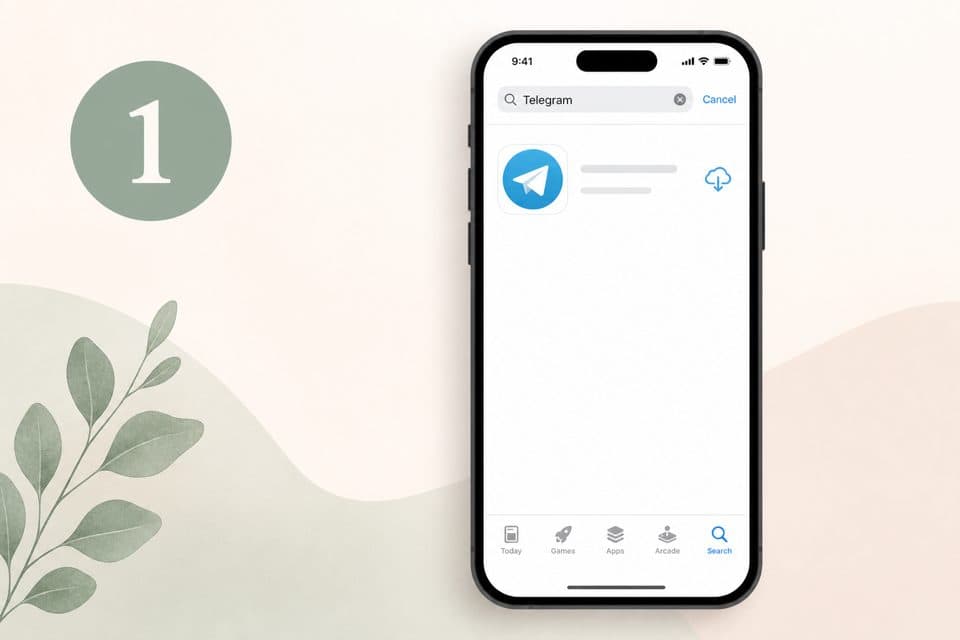
1. Install Telegram (free)App Store or Google Play — search Telegram, install the blue paper-plane app, sign up with your mobile number.
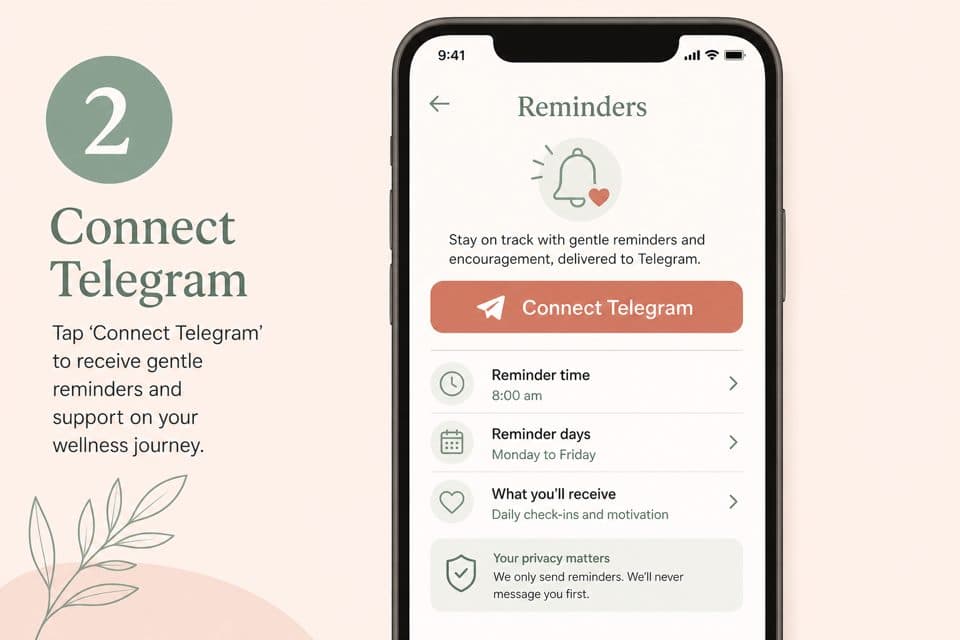
2. Connect in Do TodaySign in at dotoday.com.au, tap your profile picture (top right), then Connect Telegram under Reminders. Tap Start in the chat that opens.
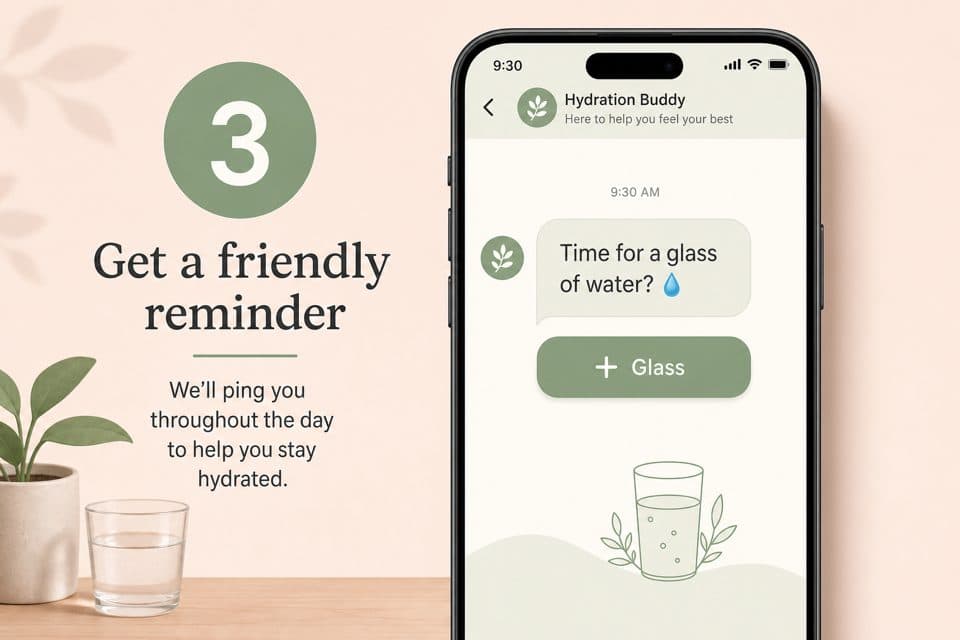
3. You're done — try a test nudgeTap Send test nudge (Profile → Reminders) and a message lands on your phone like a text. That's it — water reminders arrive the same way, with a one-tap glass button.